


Nomen focuses on the working process around invoice follow-ups: priorities, context, drafts, and approval before sending. Fazeshift describes AI agents that execute receivables work across collections, inbox handling, and cash application. Choose around the work you need completed, especially when an unpaid invoice needs something other than another reminder.
This comparison was written by Nomen using Fazeshift's primary product materials reviewed October 21, 2026. It compares documented scope and evaluation criteria, not measured product performance.
What is the main difference between Nomen and Fazeshift?
In Nomen, configured policy and invoice facts determine which follow-ups are eligible. Running the optional Auto workflow prepares drafts within the selected limits. Each saved email still needs an explicit approval and send action through an authorized Gmail connection.
Fazeshift describes agents that use information from the ledger, inbox, bank data, remittances, and customer portals to act on receivables. Its collections material describes distinguishing reasons for nonpayment, following up where appropriate, and routing issues that need a person.
Sources: Fazeshift platform overview and Collections product page, reviewed October 21, 2026.
| Decision | Nomen | Fazeshift |
|---|---|---|
| Starting scope | Shared invoice follow-up workspace | Receivables execution across several workflows |
| Outreach preparation | On-demand eligible proposals and editable drafts | Documents agent-driven collections outreach |
| Human involvement | Explicit approval before each saved email is sent | Documents escalation and human decisions on exceptions |
| Context to establish | Imported invoice facts, notes, history, and commitments | Describes context across ledger, inbox, payments, and portals |
| Key evaluation question | Can the team prepare and approve the right next touch? | Can the agent identify and act on the payment blocker? |
Why compare the payment blocker before comparing the reminder?
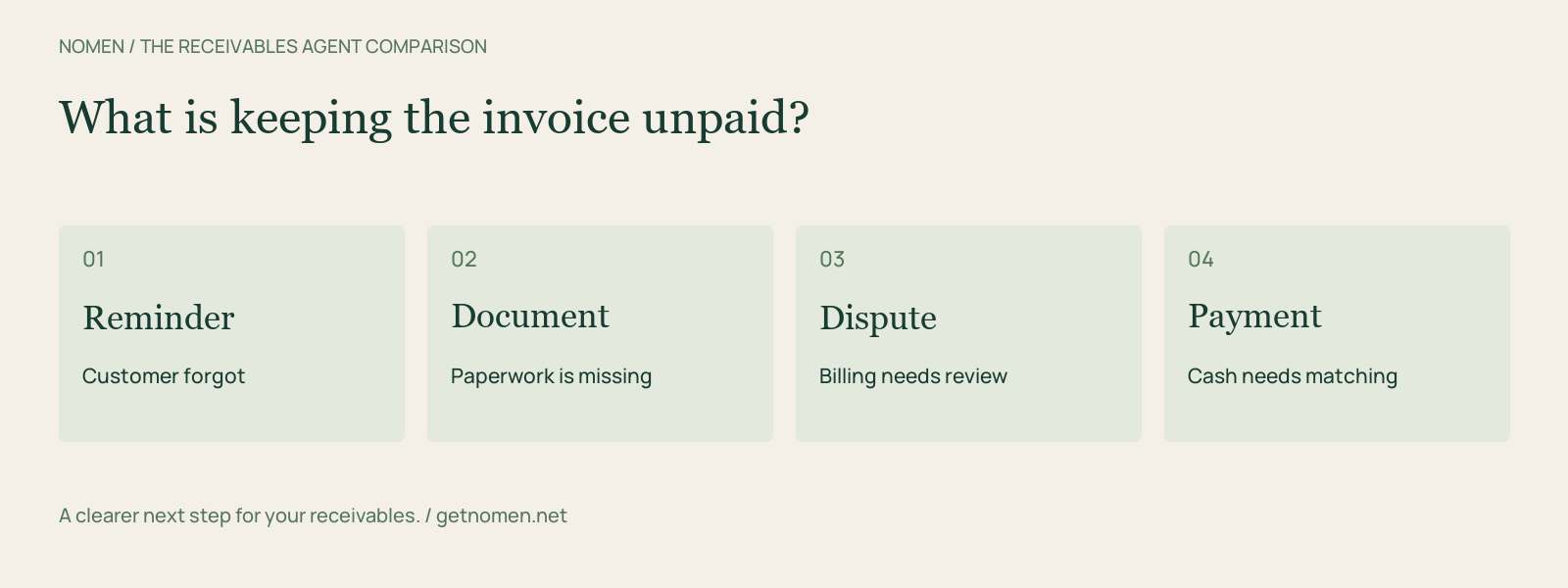
Two overdue invoices can need completely different work. One customer forgot to pay. Another paid, but the receipt has not been matched. A third is waiting for a purchase-order correction. An identical email to all three does not address those differences.
Fazeshift's collections materials describe using those signals to guide outreach, answer document requests, and escalate cases that need human judgment. These are vendor-described capabilities; confirm the specific actions and approval boundaries in your evaluation.
Source: Fazeshift Collections product page, reviewed October 21, 2026.
For any product, use four test records: a forgotten invoice, missing documentation, a disputed balance, and a payment awaiting application. Ask what the system knows, where that information came from, and which next action it proposes or performs.
Does broader automation mean the finance team loses control?
No. Fazeshift describes escalation to people; Nomen requires explicit approval for delivery of saved messages. These are different control designs, and neither description establishes how every unusual account will be handled.
Ask a person outside the original project team to explain an action from the account record. They should be able to see what happened and identify who can correct it. Define which actions may run autonomously and which require approval before turning on a live process.
Do not treat good email wording as evidence that an agent can resolve a billing dispute or change an accounting entry appropriately. Evaluate the actual action you want it to take.
What should you ask about setup and pricing?
Ask which systems the proposed workflow reads and writes, who maps customer and invoice identifiers, and how failed actions are surfaced. Identify the owner of each exception. A connector name is only the beginning of that conversation.
No numerical Fazeshift subscription rate was established in the primary pages reviewed. Obtain a proposal identifying the required workflows, integration work, usage, and support. Compare that scope with Nomen's current plans, including successful AI draft generations and any enabled overages.
Nomen supports invoice-file import invoice imports. Confirm production native-connector availability if your evaluation depends on it. Reconcile the starting balances and carry forward commitments and holds before allowing either process to contact customers.
When is a spreadsheet still a reasonable choice?
A spreadsheet can work if one owner keeps balances, blockers, customer commitments, and next actions current. Test whether a colleague can cover that person's work. If coverage is reliable and repetitive administration is modest, improving the existing process may be enough.
If the team spends its time resolving mismatches between payments, inbox messages, and invoice records, document that work separately. It may justify a broader automation evaluation, but a generic reminder feature list will not tell you whether it is covered.
Which should you shortlist?
Shortlist Nomen when the immediate need is organized follow-up preparation with a deliberate approval step. Investigate Fazeshift when you want to evaluate agent execution across payment blockers and related receivables tasks.
Compare the outcome on your test records: accurate account context, an understandable next action, and a clear owner when the system needs help. Use Nomen vs Tesorio to examine another AR agent approach, or Nomen vs Maximor, now Hyphenate for broader finance scope.
Explore the workflow behind the comparison. Review Nomen collections and current plans.
Turn a reminder into a repeatable workflow.
See overdue invoices and prepare your next follow-up in Nomen.
Get started