


Accounts receivable software helps a business track unpaid customer invoices, organize collection work, and understand what needs attention next. Depending on the product, it may also prepare reminders, send approved messages, accept payments, or report on payment behavior. Those capabilities vary: an accounting ledger, a collections workspace, and a payment portal solve different parts of the problem.
For a small team, the useful starting question is practical: can the person covering receivables tell what is unpaid, what happened last, and what to do next?
What does accounts receivable software actually do?
It turns invoice information into a working process. A useful setup connects the open balance with the person responsible, the latest customer response, and the next action. That gives a teammate enough context to continue the work without reconstructing an email thread.
For example, two invoices may both be 20 days overdue. One customer needs a corrected purchase-order reference; another has promised payment on Friday. Sending the same reminder to both overlooks the reason each invoice remains open.
Is accounts receivable software the same as accounting software?
Accounting software records financial transactions and supports the books. Collections software focuses on the work around unpaid invoices: prioritization, customer contact, notes, and follow-up. The two can work together.
Before adding another tool, identify the gap. If your accounting system already gives your team a dependable reminder process, a separate workspace may add little. If the ledger shows the balance but the explanation lives in someone's inbox, a collections workflow becomes more useful.
When is a spreadsheet enough?
A spreadsheet can work when one person owns a manageable invoice list and updates it consistently. Keep a stable invoice ID, open balance, due date, owner, last contact, next action, and any customer commitment.
Consider changing the process when a colleague cannot cover for the owner, two people contact the same customer, or weekly reviews depend on someone's memory. Those are workflow problems even when invoice volume is modest.
| Your situation | A practical next step |
|---|---|
| One owner, a short list, reliable updates | Improve the existing tracker first |
| Several people need the same customer context | Evaluate a shared collections workspace |
| Routine reminders consume most of the week | Compare reminder automation and exception handling |
| Customers need a portal or several outreach channels | Evaluate those capabilities explicitly |
What information should a collections workflow keep together?
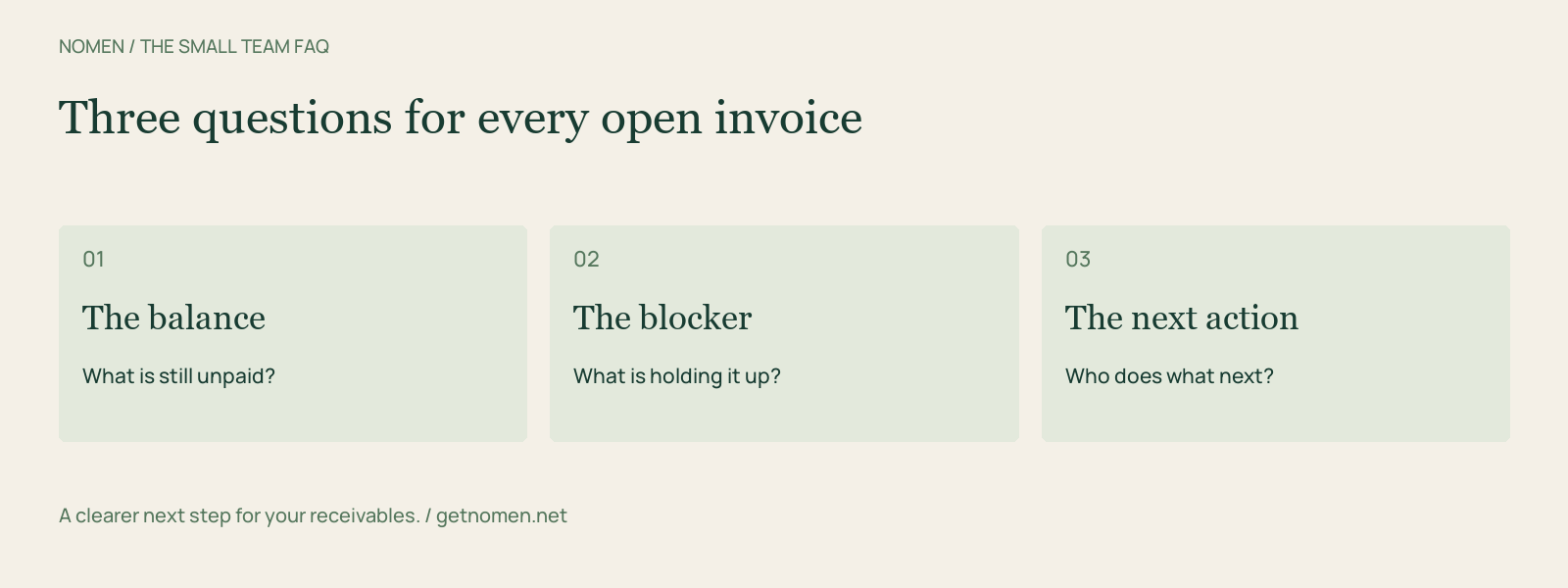
Keep the invoice identifier, customer, balance, due date, contact, latest outreach, current blocker, and next action together. Record a promise to pay with the amount and invoices it covers, rather than writing only “Friday” in a notes field.
An aging bucket explains how late a balance is. A next action explains what someone should do about it. Both are useful, but one cannot replace the other.
Can I start without connecting my accounting system?
Yes, if the product supports file imports. Nomen supports invoice-file import invoice imports across its plans. That gives a team a starting point using an export it already has; it does not make the export continuously current. Nomen's workflow brings invoice priorities, customer notes, follow-up history, and draft preparation into the same workspace. See how Nomen works.
Agree who refreshes the data and when. Before contacting a customer, check the current outstanding balance and any payment that arrived after the export.
Will software guarantee faster payment?
No tool can guarantee when a customer pays. Software can make work more consistent, but payment also depends on accurate invoices, agreed terms, disputes, and the customer's own approval process.
Measure the process you can control. Record missed follow-ups, duplicate contacts, time spent assembling account history, and overdue balances at a consistent review date. Compare like periods and account groups before attributing a change to software.
How should a small team choose a product?
Test one ordinary overdue invoice and one exception. Ask a colleague to find the last contact, explain the blocker, and identify the next action. Then check what happens if the balance changes before a message is sent.
Use the AI payment reminder FAQ to evaluate approval controls. For named alternatives, compare Nomen and Chaser or Nomen and Upflow.
Want a clearer next step for your receivables? Explore Nomen's collections workflow and check the current plans.
Turn a reminder into a repeatable workflow.
See overdue invoices and prepare your next follow-up in Nomen.
Get started