


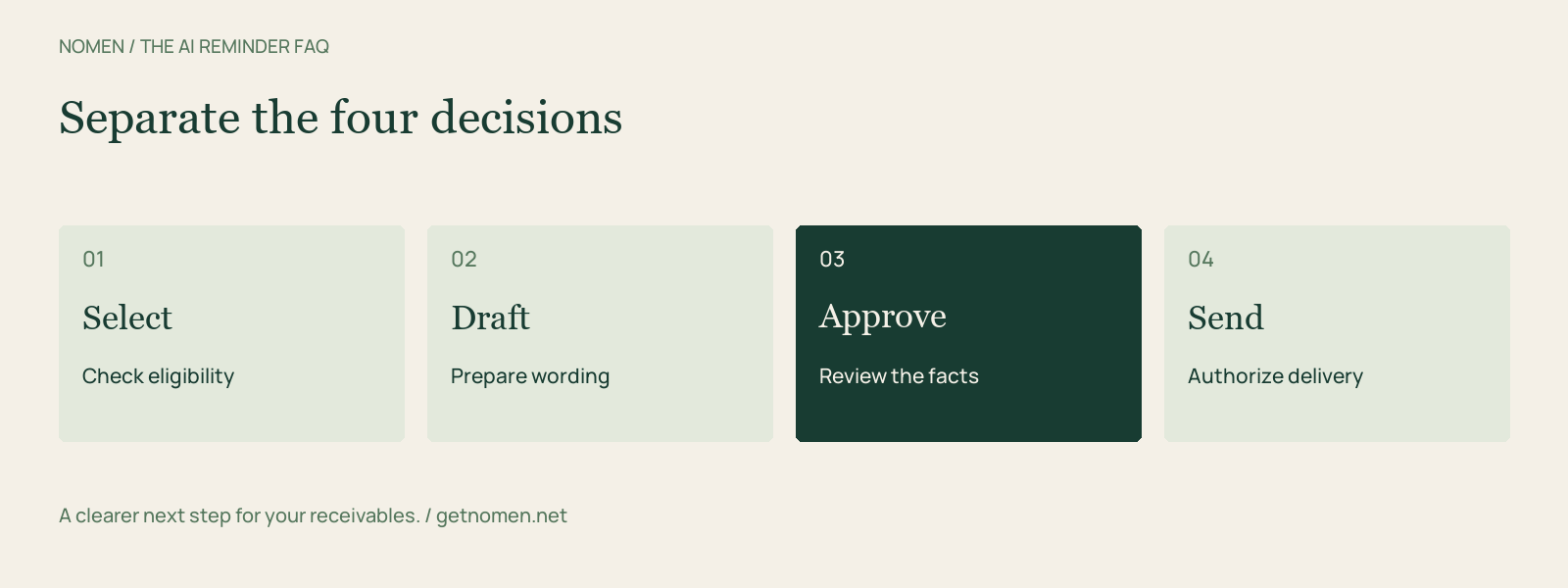
AI payment reminders use software to help prepare or manage messages about unpaid invoices. Drafting, deciding who should be contacted, and sending the message are separate functions. A product may automate one, two, or all three. Before choosing a tool, establish which decisions remain with your team and what happens when invoice information changes.
Nomen's approach combines rule-based follow-up proposals and draft preparation with explicit approval before sending. Creating a draft does not authorize delivery.
Can AI write a payment reminder without sending it?
Yes. Drafting produces proposed wording; sending delivers it to a customer. Keeping those steps separate gives someone an opportunity to check the recipient, invoice, balance, tone, and payment instructions.
A fluent email can still be wrong. If a customer already disputed an invoice or arranged a partial payment, wording alone cannot resolve the account context.
What is the difference between reminder rules and AI drafting?
Reminder rules determine whether an invoice is eligible for follow-up. AI drafting helps express the message. In Nomen's Auto workflow, configured policy and invoice facts determine eligibility; AI does not independently choose recipients or override those rules.
Nomen's Auto workflow is optional and run on demand. Running it prepares eligible drafts within the configured limits. It does not start unattended sending. See Nomen's collections overview.
Does Nomen automatically send reminders when I run Auto?
No. Each saved draft requires its own approval and send action. Sending through Gmail also requires a configured, authorized Gmail connection and the appropriate workspace permission. Connecting a mailbox does not approve drafts.
Confirm that Gmail is available and connected in your workspace before relying on delivery. Use a controlled test email to verify the sender and delivery. Mailbox authorization and message approval are separate checks.
What should I check before approving a reminder?
Check the recipient and open balance first, then the reason for contact. Verify invoice references, any promised payment, the requested next step, and the tone. Use payment instructions your business has already approved.
| Check | Why it matters |
|---|---|
| Current balance | A payment may have arrived after the data was imported |
| Customer contact | The billing contact may differ from the account owner |
| Latest commitment | A valid promise may justify waiting |
| Invoice or dispute context | A correction may be needed before another reminder |
| Requested action | The customer should know exactly what to do next |
Do not add a late fee, escalation threat, or payment destination simply because it sounds persuasive. The message should reflect the actual agreement and approved process.
What happens to customers who have promised to pay?
Nomen's Auto proposal rules hold invoices with active promises to pay and paused or completed collection states. That helps avoid proposing another routine touch while a recorded commitment remains active.
Record the commitment accurately and keep it current. A promise is useful context; it is not proof that cash has arrived. Teams should review broken commitments and decide the next action deliberately.
Can I use a manual template instead of AI?
Yes. Nomen retains editable manual stage templates and uses templates as a fallback when AI is unavailable or generation cannot proceed. A team can standardize its reminder language without asking AI to rewrite every message.
Successful AI generations and regenerations consume the plan's draft allowance; manual edits, manual templates, failed generations, and invoice imports do not. Paid overage availability depends on the subscription and workspace configuration. Check the current pricing and usage terms before enabling additional usage.
How can I test a reminder tool before relying on it?
Use controlled test records for four situations: an ordinary overdue invoice, an active promise, a paused account, and a balance changed after drafting. Check what gets proposed, what is held, and whether stale information blocks delivery. Use a test mailbox when verifying sending.
Compare the whole sequence rather than judging a tool by one well-written email. Nomen versus Chaser and Nomen versus Upflow cover different approaches to collections software.
Start with the control your team needs. Review Nomen's workflow, then choose a plan that fits your draft volume and team.
Turn a reminder into a repeatable workflow.
See overdue invoices and prepare your next follow-up in Nomen.
Get started